Newborn Photography Ideas at Home: Safe, Beautiful First Photos Guide 2025

Newborn Photography Ideas at Home: Safe, Beautiful First Photos Guide 2025
Creating beautiful newborn photos at home offers comfort, safety, and convenience during those precious first weeks. With proper planning and creative ideas, you can capture stunning first baby portraits without leaving your home. This comprehensive guide provides newborn photography ideas, setup tips, and safety considerations for creating memorable at-home newborn photography sessions.
Benefits of At-Home Newborn Photography
Comfort and Convenience
Home Advantages:
- Familiar environment keeps baby calm and comfortable
- No travel stress eliminating need to pack and transport newborn
- Flexible timing working around baby's natural schedule
- Comfortable temperature maintaining optimal warmth
- Family involvement including siblings and pets naturally
Safety Considerations
Why Home is Safer:
- No exposure to public spaces or germs
- Controlled environment with familiar surroundings
- Parent supervision complete control over baby's safety
- No physical props when using AI enhancement
- Temperature control maintaining baby's comfort
Essential At-Home Setup Ideas
Natural Light Setup
Window Light Photography:
- Position baby near large window with soft, diffused light
- Use sheer curtains to soften harsh sunlight
- Plan sessions during morning or late afternoon for best light
- Avoid direct sunlight which can be too harsh
- Create soft, flattering illumination
Lighting Tips:
- Face baby toward window for even lighting
- Use white blankets or surfaces to reflect light
- Avoid overhead lights which create shadows
- Natural light is most flattering for newborn skin
- Cloudy days provide perfect soft lighting
Simple Background Ideas
Minimalist Approaches:
- Solid color blankets in neutral tones
- White or cream surfaces for clean, classic looks
- Textured fabrics like knits or muslin for visual interest
- Natural wood surfaces for warm, organic aesthetics
- Simple patterns that don't distract from baby
Creative Backgrounds:
- Flannel sheets in soft pastels
- Faux fur rugs for luxurious texture
- Woven baskets (with baby safely positioned outside)
- Natural materials like wood or stone textures
- Seasonal elements matching baby's birth time
Safe Newborn Poses at Home
Back Lying Poses
Classic and Safe:
- Place baby on soft, flat surface with comfortable blanket
- Position arms naturally near face
- Capture from overhead for full body shots
- Take close-ups of facial features
- Document tiny hands and feet
Safety Guidelines:
- Always supervise baby, never leave unattended
- Support head and neck when positioning
- Use soft, safe surfaces only
- Keep room temperature warm (75-78°F)
- Follow safe sleep guidelines
Side Lying Poses
Gentle and Beautiful:
- Position baby on side with support
- Capture profile views of delicate features
- Show natural curled position
- Include hands near face naturally
- Document peaceful sleep expressions
Important Safety Notes:
- Only use side lying when fully supervised
- Provide support for baby's position
- Never leave baby in side position unattended
- Use soft, safe surfaces
- Keep sessions brief
Detail Photography
Tiny Feature Focus:
- Hands and feet showing perfect tiny features
- Facial details including eyelashes and expressions
- Sleeping expressions capturing peaceful moments
- Hair and features documenting unique characteristics
- Size comparisons with everyday objects
Creative At-Home Theme Ideas
Seasonal Themes
Birth Month Coordination:
- Spring babies: Soft florals, pastels, garden themes
- Summer babies: Sunshine themes, beach-inspired (digitally)
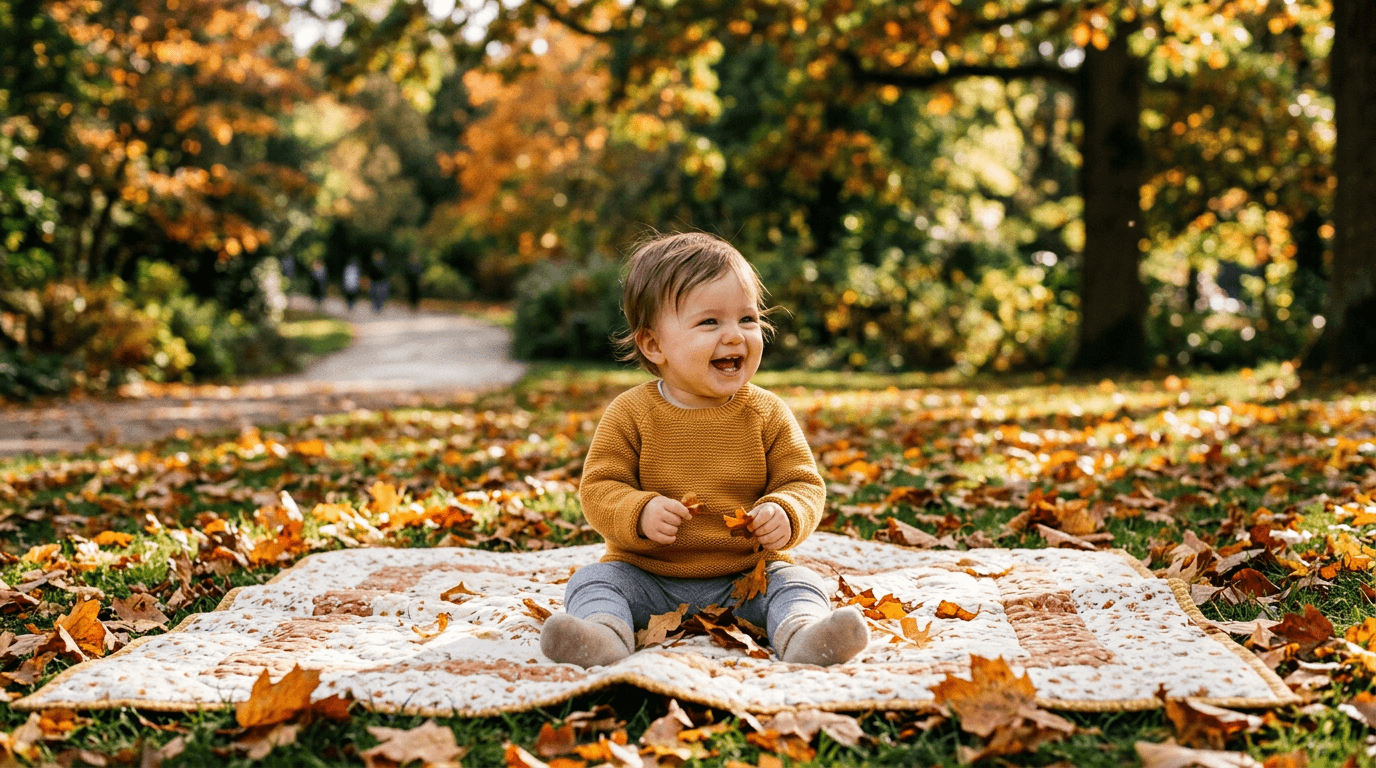
- Fall babies: Autumn colors, pumpkins, warm tones
- Winter babies: Snow themes, cozy winter aesthetics
Classic Newborn Themes
Timeless Options:
- Sleepy angel with soft, dreamy aesthetics
- Swaddled serenity with various blanket styles
- Tiny miracle emphasizing small size
- Fresh arrival celebrating new life
- Minimalist beauty with simple, elegant setups
Using AI for At-Home Enhancement
Benefits of AI Enhancement
Professional Results:
- Transform simple home photos into professional portraits
- Add beautiful backgrounds impossible to create physically
- Enhance lighting and color automatically
- Apply professional editing without expertise
- Create multiple styles from one photo session
Popular AI Themes
BabyGenic AI Recommendations:
- Sleeping Angel - Cloud and heavenly themes
- Moonlight Dreams - Celestial nighttime aesthetics
- Garden Baby - Floral and nature themes
- Swaddled Serenity - Various blanket styles
- Fresh Start - New life celebration themes
Step-by-Step At-Home Photography Guide
Pre-Session Preparation
Timing Setup:
- Schedule 1-2 hours after feeding when baby is content
- Choose time when baby naturally sleeps deeply
- Allow flexibility - babies set their own schedules
- Plan for 30-45 minute session with breaks
- Have backup times ready
Environment Setup:
- Warm room to 75-78°F for baby comfort
- Position near large window for natural light
- Prepare soft, safe surface with blanket
- Remove distractions and minimize noise
- Gather all supplies before starting
During the Session
Photography Techniques:
- Start with sleep shots - easiest and most peaceful
- Capture details - hands, feet, facial features
- Vary angles - overhead, side, close-up
- Take multiple shots - baby moves even in sleep
- Follow baby's lead - work with natural rhythms
Safety Reminders:
- Never leave baby unattended even for a moment
- Always support head and neck
- Watch for signs of discomfort
- Take breaks for feeding and comfort
- Keep sessions pleasant and stress-free
Post-Session Enhancement
Photo Selection:
- Choose 3-5 best photos with clear baby features
- Select variety of expressions and angles
- Ensure good lighting and focus
- Pick images suitable for AI enhancement
AI Processing:
- Upload selected photos to BabyGenic AI
- Choose themes matching your vision
- Review and approve processing
- Download high-resolution results
Expert Tips for At-Home Success
Capturing Best Moments
Timing Strategies:
- Feed baby 30-60 minutes before session
- Use white noise to maintain peaceful environment
- Work during baby's deepest sleep periods
- Be patient - best shots come when baby is comfortable
- Capture variety - sleeping and brief alert moments
Technical Excellence
Camera Settings:
- Use natural light whenever possible
- Avoid flash which can startle newborns
- Focus on baby's face or features
- Use fast shutter speed to capture sharp images
- Take multiple shots for best results
Comfort and Safety
Baby Comfort:
- Keep room warm and cozy
- Use soft, comfortable surfaces
- Minimize handling and movement
- Follow safe sleep guidelines
- Prioritize baby's comfort over perfect poses
Common Challenges and Solutions
Lighting Issues
Solutions:
- Use window light with diffusers
- Reflect light with white surfaces
- Plan sessions during optimal lighting times
- Use AI enhancement to improve lighting
- Consider simple lighting equipment if needed
Limited Space
Creative Solutions:
- Use corners and walls for backgrounds
- Clear space for photography area
- Utilize furniture creatively
- Consider AI backgrounds eliminating need for space
- Work in multiple rooms if needed
Cost Comparison
DIY At-Home Photography
- Cost: Minimal (using equipment you own)
- Quality: Depends on skills and equipment
- Convenience: Maximum - no travel or scheduling
- Safety: Complete parent control
- Themes: Limited by props and creativity
Professional Home Session
- Cost: $400-$800 typically
- Quality: Professional results
- Convenience: Moderate - scheduled appointment
- Safety: Generally safe but baby handled by others
- Themes: Photographer's available props
AI-Enhanced At-Home Photography
- Cost: $20-$50 for multiple themes
- Quality: Professional-level results
- Convenience: Maximum - on-demand processing
- Safety: Maximum - no physical props needed
- Themes: Unlimited creative options
Conclusion
At-home newborn photography offers a safe, convenient, and comfortable way to capture those precious first weeks. With proper planning, creative setups, and safety considerations, you can create beautiful newborn portraits in your own home. Whether you choose DIY photography or AI enhancement, the key is working with your baby's natural rhythms and capturing authentic moments safely.
Ready to create beautiful newborn photos at home? Visit BabyGenic AI to explore our specialized newborn photography themes designed to transform your at-home photos into professional portraits.